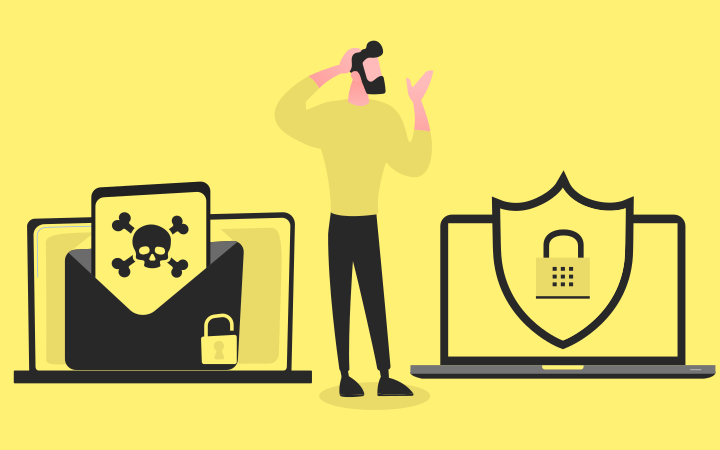
Back in the days when computers were simple, the security threats were simple too. Now as the world is progressing in terms of technology, computers are becoming advanced and so are the security threats. In such times, Anti-malware vs Antivirus becomes the topic of discussion. Let's get to know what anti-virus and anti-malware are and find out the differences between them.
Overview of Antivirus vs Anti-Malware
Anti-malware is software that prevents your computer from malicious attacks, be it viruses, worms, Trojans, ransomware, spyware, or adware, an anti-malware protects your system from all. This software scans your computer for existing issues and provides real-time protection and regular updates against new threats.
Antivirus is focused on cleaning any viruses that exist in your computer. A virus is a type of malware that spreads in your computer takes up space, and damages files. An anti-virus cleans these viruses and prevents your computer from new viruses.
|
Feature |
Anti-Virus |
Anti-Malware |
|---|---|---|
|
Scope |
Primarily viruses |
Viruses and other malware |
|
Protection |
Older threats |
Newer and older threats |
|
Update speed |
Faster |
Slower |
Difference Between Anti-Malware and Antivirus
In spite of both software used for protection against threats, there are several difference between anti malware and antivirus software. A virus is a software program that damages your computer and just like a biological virus it replicates itself and can transfer from one computer to another without you knowing.
Malware is an umbrella term used for any threats or malicious attacks on a computer. It is also a set of programs that can eat space, delete or damage files, and steal data. There are many different types of malware like Ransomware, viruses, adware, Trojans, spyware, and worms. To defend your computers against these attacks you need an anti-malware.
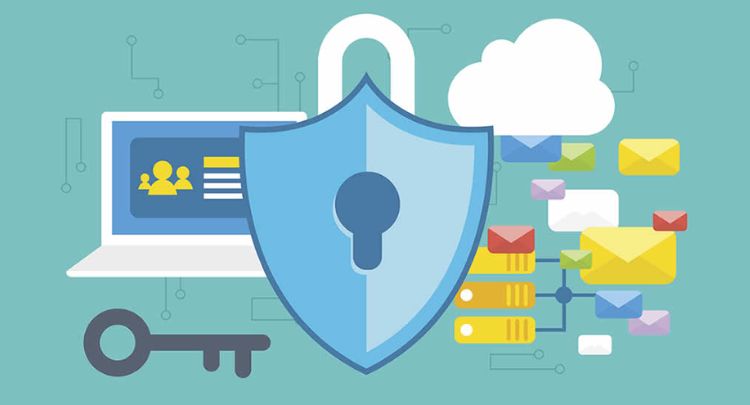
Anti-Malware vs Antivirus Scope
An anti-virus cleans and protects the computer from viruses that can transfer through files and emails. An anti-virus cleans existing viruses and prevents new ones from damaging files while an anti-malware protects against any malware including viruses. It prevents your files and keeps your data safe from intruders trying to access through malware.
Anti-Malware vs Antivirus Protection
In terms of protection, malware is stronger as it keeps your computer safe from any hidden program that is damaging and causes security concerns while an anti-virus only protects against viruses, it can't fight other attacks like spyware and ransomware. The best ai security tools can provide more comprehensive protection by detecting and blocking a wider range of threats, including spyware and ransomware.
Antivirus vs Anti-Malware Efficiency
In terms of efficiency, Antivirus understands the viruses that it already knows, so it cannot be very efficient with a new virus. To plug this gap, an antivirus with VPN can be the best choice. Besides, antimalware works efficiently due to its behavioural analysis and heuristic techniques, which allow it to detect unknown malware too.
Anti-Malware vs Antivirus Cost
You can get free antivirus and anti-malware software online to protect your devices, though these versions often come with some limitations. If you want more advanced protection, paid antivirus software usually costs around $30–50 per year, and anti-malware tools are priced at about $50 per year.
Anti-Malware vs Antivirus Data Space
An Antivirus takes less space than an anti-malware as its scope is only targeted to viruses while an anti-malware resolves issues on the broader spectrum so it needs more space. On average an antivirus takes up to 50 MB to 300 MB initially and an anti-malware takes up to 100 MB to 500 MB initially.
Pros and Cons of Anti-Malware and Antivirus
While anti-malware and anti-virus both are good at their job, here are some pros and cons for each so that you can make better decisions when you are getting yourself one:
|
Anti-Malware |
Antivirus |
|
|---|---|---|
|
Pros |
Identify new and unknown threats |
Efficient against known threats |
|
Proactive defense |
Focused Protection |
|
|
Cons |
Can be more complex |
Limited Scope |
|
Slower performance because of multiple layers of protection |
Mistakenly flag legitimate files as threats |
Antivirus Vs Antimalware: Which One Should I Get?
If you are looking to get yourself an anti-virus or antimalware look for the best anti-malware and antivirus combination. It's ideal to get an antivirus or anti-malware that is an anti-malware with antivirus included in it. With this approach, you can save up space in your computer and get the benefits of both without having to spend money on them individually.
It focuses on cleaning computers from viruses.
Best Anti-Virus and Anti-Malware
While there are many anti-virus and anti-malware software programs available. Also, antivirus with password managers are also present in the market. hence, it is important to choose the right one according to your needs.
Here are some of the best software available.
Best Antivirus & Anti-Malware For Mac
- Malwarebytes software is not entirely focused on cleaning viruses but it is a reputed anti-marlware. It is known for its fast scanning and strong security.
MalwareBytes
Clean, light, and powerful protection built to stop threats without slowing your Mac down.
- Norton acts as a complete antivirus solution, protecting against malware while also offering features like VPN and password management, making it one of the best antivirus for Mac options.
- Intego is specifically designed for Macs. With its good reputation, it is best for the protection.
Best Antivirus & Anti-Malware For Android
- Kaspersky Mobile Antivirus software offers strong malware protection, anti-theft features, and a built-in VPN option for enhanced security.
- Avast Mobile Security software provides good malware protection, and performance optimisation tools, and a free version is available.
- Norton 360 delivers strong malware protection, includes a VPN, and provides identity theft safeguards, ranking among the top antivirus solutions for Android.
Best Free Anti-Malware & Antivirus Software
- Emsisoft Anti-Malware antivirus software(free kit) offers 84 free ransomware decryption tools.
- Bitdefender antivirus anti-malware software fights online fraud and various types of phishing attacks.

Bitdefender
Get award-winning antivirus and anti-malware protection — free, powerful, and built for complete digital security.
- AVG antivirus anti-malware offers up to 7 free ransomware decryption tools, ranking among the best free antivirus options.
FAQs
Do I need anti-malware and antivirus?
Yes! To stay safe on the internet you must download one of them. Getting an anti-malware software that has an anti-virus in it is the best way to stay protected.
Is antivirus the same as anti-malware?
An antivirus is focused on protection against viruses while anti-malware protects from different types of malware including viruses.
Does anti-malware software interfere with antivirus software?
They normally do not interfere with each other but work together to keep your computer safe. However, these two should be compatible or else there is a chance of conflict.
Anti-malware vs antivirus software, An Antivirus and an anti-malware both serve the purpose of protection and security for your computer and software. When you are surfing the internet you might find yourself at risk of downloading files that might carry a virus or other malware. To, stay safe and surf without worries you must download either one of them.
Also, it is essential to know the basic difference between VPN and antivirus for making conscious decisions between anti-malware, antivirus, and anti-virus with VPN features. using password manager with chrome extension, and top-tier antivirus and best anti-phishing tools and services help countering vulnerable threats.
For more information on Anti-Malware vs Antivirus, check Virtual Codes Vault.
